
Guide · 13 November 2026 · 4 min read
January Sales Website: get ready in one afternoon

If you want your january sales website ready fast, focus on three jobs: swap the homepage banner, build one clear sale page, and remove anything festive that no longer fits. That is usually enough to make the site feel current before the month starts. You do not need a full redesign. You just need a tidy homepage, a simple offer, and a checkout path that is easy to spot on a phone.
What to update first on a january sales website
Start with the parts customers see first. We usually work top to bottom: hero banner, main navigation, sale page, homepage text, and any seasonal pop-ups. Google says page titles and snippets should describe the page clearly, so keep the wording plain and relevant rather than clever for its own sake: Google Search Central on title links. If you are changing several pages, keep one message: what is on sale, how long it lasts, and where to click next.
Swap the banner
Your banner should answer three questions at a glance: what is being sold, what has changed, and what should the customer do now. If you use a short discount message, keep the text readable on mobile and make the button obvious. Avoid cluttering the banner with too many badges, countdowns or moving parts.
Create one sale page
A single sale page works better than scattering offers across lots of pages. Put the main offer, the terms, a few product or service highlights, and one clear button. If you want a quick done-for-you version, see our website package, or compare all options on our offers page.
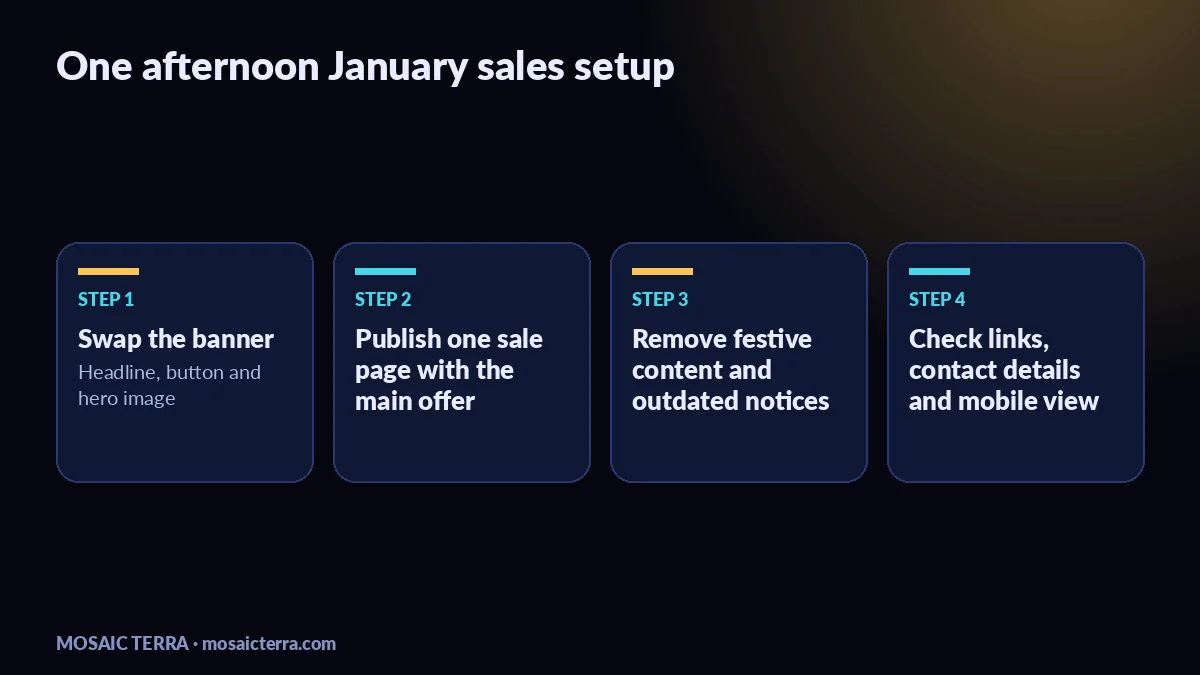
How to use the afternoon well
Give yourself a simple order of work and do not jump around. The point is to get the site sale-ready, not perfect. For pages with heavier images, web.dev recommends keeping performance in mind and avoiding oversized assets where you can: web.dev on images. That matters in January too, because busy shoppers will often land on your site from social posts, email or ads and leave quickly if the page feels slow or messy.
Use a 3-step workflow
- Update the homepage banner and main call to action.
- Publish or refresh the sale page and link it from the header.
- Remove old festive notices, seasonal opening hours and Christmas language that no longer helps.
If you are still planning the wider campaign, our Christmas marketing ideas for UK small businesses (2026) guide and website checklist before Christmas can help you see what should stay, change or go.
What to remove before January traffic arrives
Festive content can make a site feel out of date if it stays up too long. Clear anything that still talks about December closures, gift vouchers that are no longer the main message, or Christmas graphics that distract from the sale. Keep your privacy and footer information accurate, and make sure any support links still point to the right place.
Check these items before you stop:
- Homepage banner and button
- Sale page heading and details
- Navigation labels
- Footer links and contact details
- Any festive pop-ups, sliders or alerts
Common mistakes with a january sales website
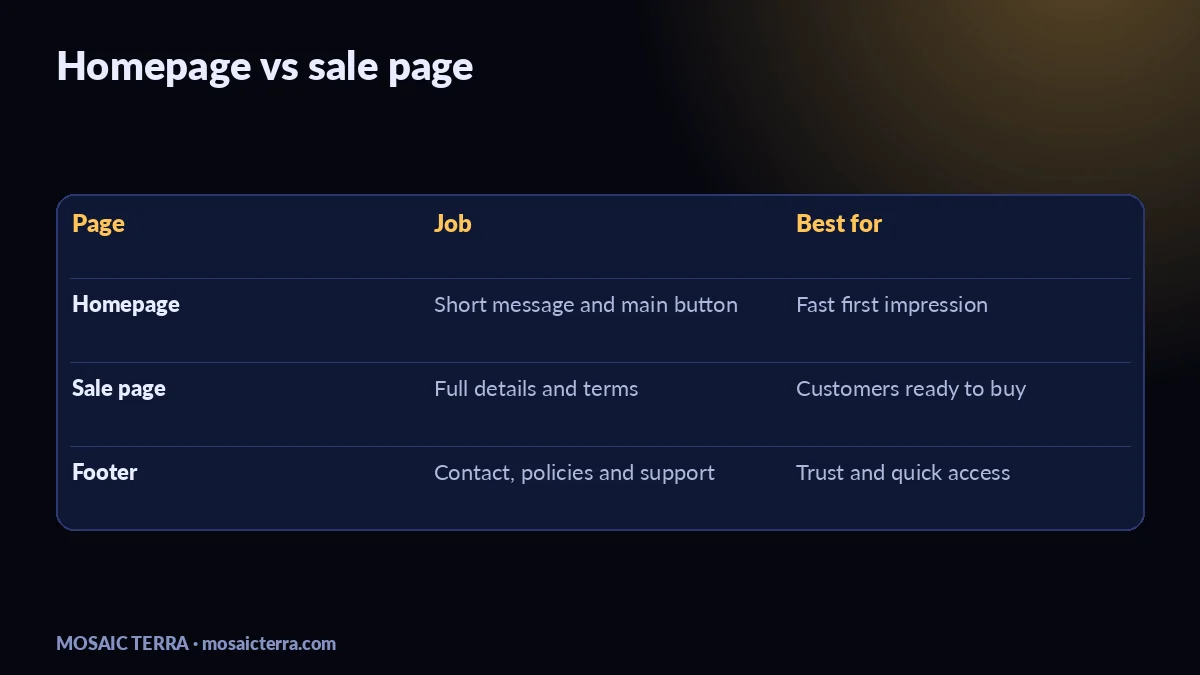
The biggest mistake is trying to sell everything from the homepage. Keep the homepage simple and use the sale page for detail. Another common problem is hiding the offer behind vague wording such as “new year deals” without saying what the customer gets. A third is forgetting the practical basics: opening hours, contact details, delivery notes, booking links, and the checkout path if you sell online. If your site also needs better lead handling, our AI receptionist for small businesses article shows how to answer enquiries more consistently.
When to ask for help
If you do not have time to edit the site yourself, or if the website is old enough that simple changes take too long, get help rather than leaving it half-finished. We build and tidy websites for UK small businesses, and our quote page is the best place to ask about a quick update or a fresh build. If you like doing the writing yourself, our Etsy shop has a useful shortcut here: 100 AI Prompts for Small Business Marketing, Sales, SEO.
For a one-afternoon job, the goal is simple: make the site look current, make the offer obvious, and make the next click easy.
| Task | What to change | Time |
|---|---|---|
| Banner | Seasonal headline, button, hero image | 15 minutes |
| Sale page | Offer, terms, CTA, key benefits | 30 minutes |
| Cleanup | Remove festive copy, pop-ups and old notices | 20 minutes |
| Check | Links, contact details, mobile view | 20 minutes |
Prefer it done for you?
Websites from £449 one-off, an AI Receptionist for £49/month, AI agents from £89/month, or your complete AI world from £899.
Frequently asked questions
What should I update first on a January sales website?
Start with the homepage banner, then create or refresh one sale page and clear out any Christmas-only content.
Do I need a full redesign for January sales?
Usually not. A focused update to the banner, offer page and navigation is often enough for a fast seasonal refresh.
Should the sale be on the homepage or a separate page?
Use both if you can: a short homepage message with a clear button, and one dedicated page with the full offer.
What old content should I remove?
Take down Christmas banners, seasonal opening-hour notices and anything that makes the site feel out of date.
Sources
Prices on this page are Mosaic Terra's own prices in GBP. Third-party information was checked on 13 November 2026; always confirm current details on the official pages.