

Guide · 29 October 2026 · 7 min read
Is your website too slow? A 10-minute PageSpeed check

A slow website does not send you an error message. It just quietly loses visitors: the person on a train with patchy signal, the customer who taps your link from Google Maps and gives up after a few seconds. The good news is that you can check your speed for free in ten minutes and fix the most common problems without becoming a developer.
Minute 1–3: run the test
- Open PageSpeed Insights at pagespeed.web.dev (a free tool from Google).
- Paste your homepage address and press Analyse.
- Look at the Mobile tab first. Most of your visitors are on phones, and mobile results are usually worse.
- Repeat for your most important other page, for example your services or booking page.
You will see two kinds of results. At the top, if your site has enough visitors, are field data: how real Chrome users experienced your site over the past weeks. Below that is a lab test: a simulated load on a mid-range phone. Field data is what Google uses; the lab test is what helps you find the cause.
Minute 3–5: read the three numbers that matter
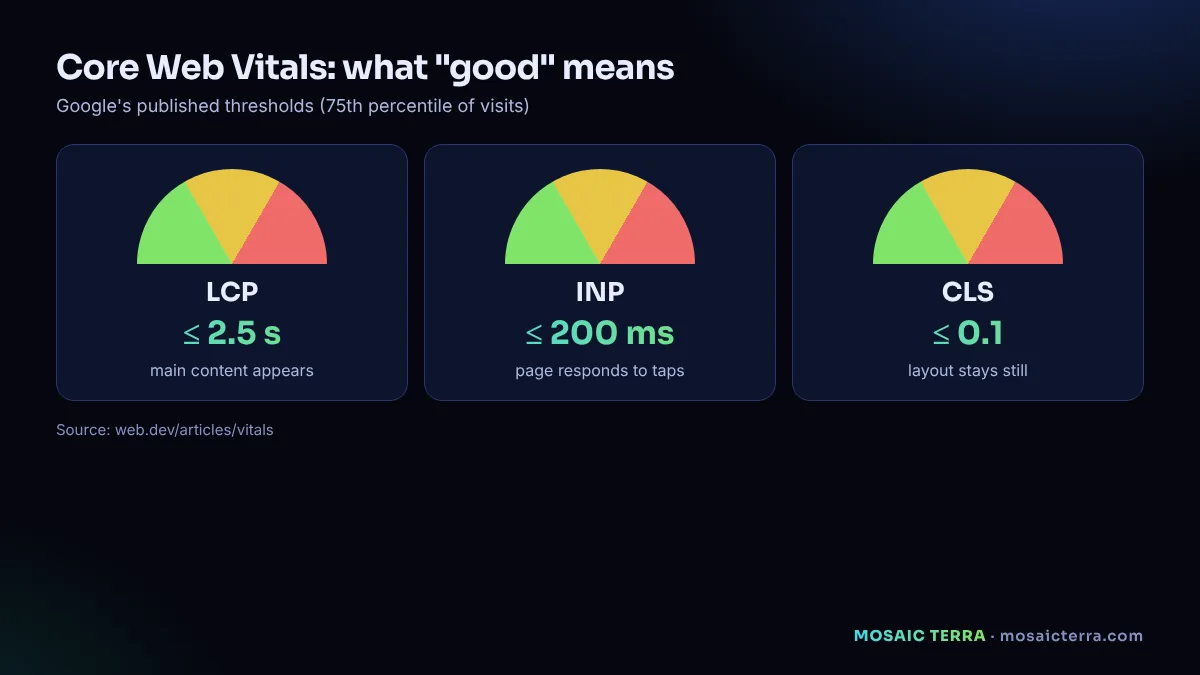
Google's Core Web Vitals are three measurements of real user experience. These are the thresholds Google describes as "good":
| Metric | What it measures | Good |
|---|---|---|
| LCP – Largest Contentful Paint | How quickly the main content (usually the big image or headline) appears | 2.5 seconds or less |
| INP – Interaction to Next Paint | How quickly the page responds when someone taps or clicks | 200 milliseconds or less |
| CLS – Cumulative Layout Shift | How much the page jumps around while loading | 0.1 or less |
Google explains how these signals relate to Search in Understanding Core Web Vitals. Speed is not the only thing that decides your ranking, but a slow, jumpy page frustrates real people, and that costs you enquiries whatever Google does.
Minute 5–8: find the cause
Scroll down to Diagnostics and Opportunities. The list can look scary, but on small business sites the same five causes come up again and again.
1. Huge images
A photo straight from a phone camera can be several megabytes. On a website it should usually be a few hundred kilobytes at most. Look for messages like "Properly size images" or "Serve images in next-gen formats".
Fix: resize images to the size they are displayed at, and save them as WebP or AVIF. Most builders and plugins can do this automatically.
2. Too many apps, plugins and widgets
Chat widgets, pop-ups, review carousels, social feeds and several analytics tools each add scripts that slow the page and make it less responsive (a common cause of poor INP).
Fix: remove anything you do not use. For the rest, ask whether it needs to load on every page.
3. Slow hosting
If "Reduce initial server response time" appears, your server is slow to start sending the page.
Fix: better hosting, a content delivery network (CDN), or caching. On builders, this is usually handled for you.
4. Fonts and layout jumps
Web fonts that load late can make text appear suddenly or shift, and images without set sizes push content down as they load (poor CLS).
Fix: give images a width and height, limit the number of font styles and preload the main font.
5. Sliders and video in the first screen
Auto-playing sliders and background videos are often the "largest content" Google waits for.
Fix: use one strong, compressed image and a clear headline instead. It is usually better for enquiries too.
Minute 8–10: decide what to do
- All three numbers are green: great. Re-test after big changes.
- Images are the main issue: resize and compress your top ten images today.
- Scripts and plugins are the main issue: remove what you do not need, then re-test.
- Everything is red: the site may need rebuilding on a lighter foundation. Sometimes starting fresh is faster than patching.
Google's web.dev team has a practical list of the most effective ways to improve Core Web Vitals if you want to go deeper.
A quick manual test anyone can do
Numbers help, but also do this: open your website on your own phone, on 4G, away from Wi-Fi. Count how long it takes before you can read the headline and tap the phone number. Then try to fill in your contact form. If anything is slow, fiddly or broken, your customers are experiencing the same.
Speed and 3D: can a 3D website be fast?
Yes, if it is built the right way round: the text and buttons load first and the 3D scene loads afterwards, or only when the visitor opens it, with lighter versions for phones. We explain this in 3D websites for small businesses.
Speed checklist
- Mobile LCP 2.5 seconds or less
- INP 200 milliseconds or less
- CLS 0.1 or less
- Images resized and in WebP or AVIF
- Unused plugins and widgets removed
- No auto-playing slider or video in the first screen
- Contact form tested on a real phone
When to get help
If your site is built on an old theme with dozens of plugins, fixing speed can take longer than rebuilding. Our website package is built for speed from the start: lightweight pages, compressed images, a mobile-first layout and Google-ready setup, with a year of maintenance. If you are deciding between options, read our website cost guide.
Image sizes: a practical guide
Images are the most common cause of slow small business sites, and the easiest to fix. As a rule of thumb:
- Full-width hero images: around 1,600–2,000 pixels wide, compressed as WebP or AVIF.
- Images inside text: around 800–1,200 pixels wide.
- Thumbnails and logos: a few hundred pixels; use SVG for logos where possible.
- Always set width and height so the browser reserves space and the layout does not jump.
- Lazy-load images below the first screen so they only download when the visitor scrolls.
Most builders handle compression for you, but they cannot fix a photo uploaded at the wrong size for its purpose.
Why your score changes every time you test
Lab scores vary slightly between runs because network and server conditions vary. Do not chase a perfect 100; look at trends and at the three Core Web Vitals. If you test three times and the main issue is the same each time, that is the one to fix. Field data, when available, is more stable because it reflects many real visits over several weeks.
Speed is also about trust
A fast site feels professional. Buttons that respond immediately, text that appears quickly and a layout that does not jump make visitors more confident about contacting you. Combine speed with clear information (what you do, where, prices and a contact button on every page) and you have the foundation every other marketing activity depends on.
A monthly two-minute check
Speed tends to drift as you add photos, plugins and tracking scripts. Put a reminder in your calendar for the first Monday of each month: run your home page and your most important service page through PageSpeed Insights on mobile, note the three Core Web Vitals in a simple sheet and compare with last month. If anything turns amber or red, look at what changed recently. Catching a slow new image or plugin within a month is far easier than untangling a year of additions.
When to ask for help
Ask a developer when the main problems point to the server (slow first response), heavy third-party scripts you cannot remove, or a theme that loads far more code than your pages need. Ask for the specific Core Web Vitals they will improve and how they will measure it, so you can check the result yourself with the same free tools.
Speed checks for online shops and booking sites
If you take orders or bookings online, test more than the home page. Check a product or service page, the basket or booking page and the confirmation step. These pages often load extra scripts for payments, calendars or reviews. A slow checkout loses customers at the most expensive moment, after they have already decided to buy. Test on a mid-range phone over mobile data if you can, because that is how many of your customers will use the site.
Want a fast website without the hassle?
Mobile-first, Google-ready and maintained for a year: £449 one-off, live within 3 days of receiving your content and approvals.
Frequently asked questions
How do I check my website speed for free?
Use Google's PageSpeed Insights at pagespeed.web.dev, test the Mobile tab and look at LCP, INP and CLS.
What is a good LCP?
Google describes 2.5 seconds or less as good for Largest Contentful Paint.
What are Core Web Vitals?
Three Google measurements of user experience: LCP (loading), INP (responsiveness) and CLS (visual stability).
Does website speed affect Google rankings?
Core Web Vitals are part of how Google evaluates page experience, but relevance and usefulness matter most. Speed always affects how many visitors stay.
What is the quickest speed fix?
Usually resizing and compressing images and removing unused plugins or widgets.
Sources
- web.dev: Web Vitals
- Google Search Central: Understanding Core Web Vitals and Google search results
- web.dev: The most effective ways to improve Core Web Vitals
Prices on this page are Mosaic Terra's own prices in GBP. Third-party information was checked on 29 October 2026; always confirm current details on the official pages.