
Guide · 13 November 2026 · 4 min read
Business email address: why your domain matters
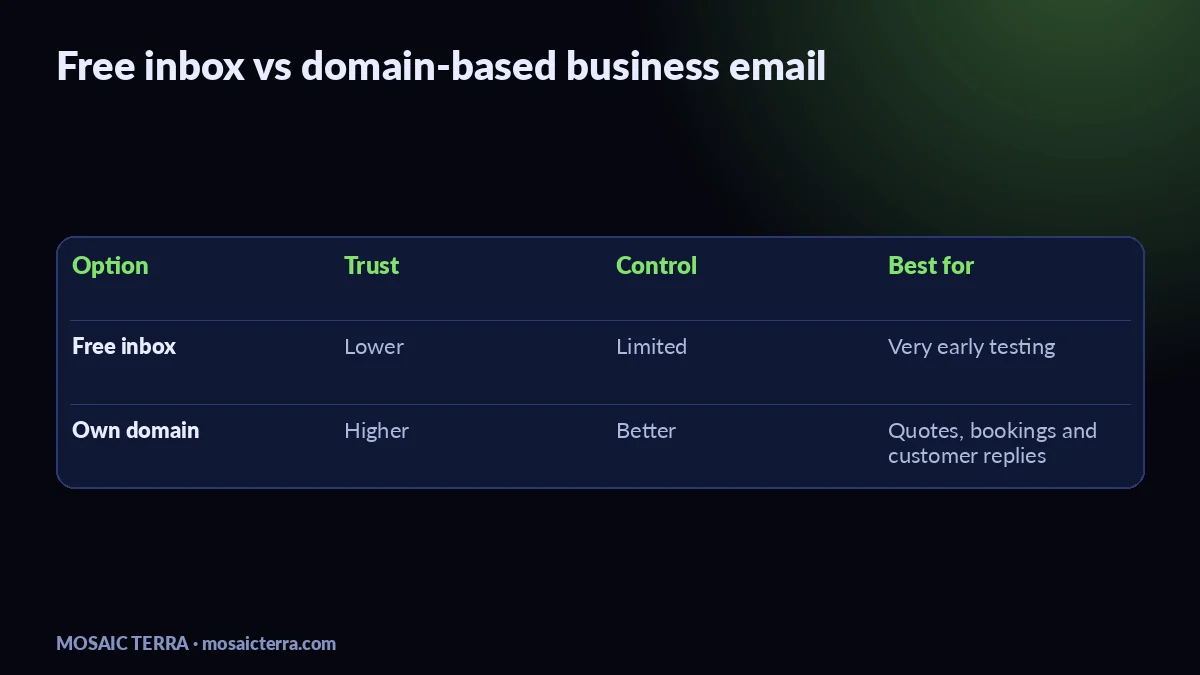
A business email address on your own domain helps customers trust who they are replying to, and it gives your messages a better chance of landing where they should. Instead of a free inbox, you use something like hello@yourbusiness.co.uk, which looks more professional on quotes, invoices and bookings. The setup is not hard, but the details matter: your domain, your DNS records, and the way your email is authenticated all affect delivery.
Why a business email address matters
When someone sees a name they know plus a domain that matches your website, the email feels safer and more legitimate. That is important for first enquiries, payment reminders and customer service. It also keeps your brand consistent across your website, Google Business Profile and social profiles. If you are also choosing a domain name, our guide on choosing a domain name for your small business is a good place to start.
We often see small businesses use a free inbox for years, then switch once they start sending quotes, reminders or seasonal updates. If you are building a simple website at the same time, our Your Website, Done For You package can include the right foundation for a proper domain-based email setup. You can also browse all Mosaic Terra offers if you want a wider picture.
How to set it up without breaking delivery
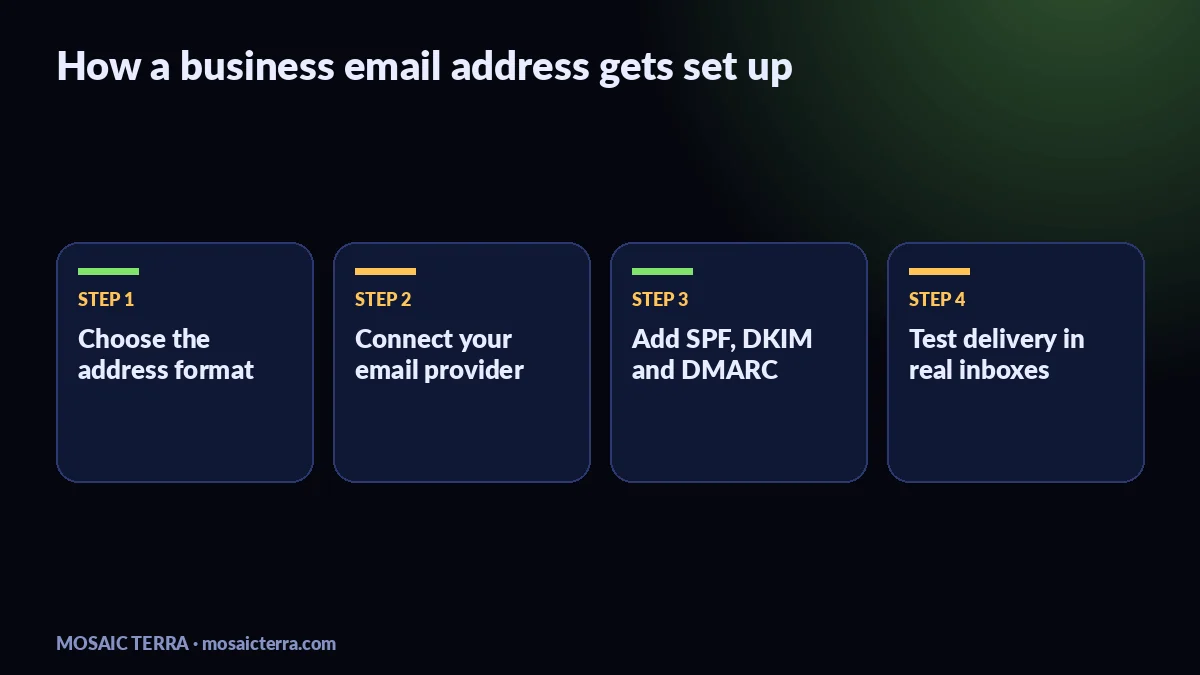
The basic idea is simple: buy or keep your domain, connect it to an email provider, then add the DNS records that prove your messages are genuine. Google explains that SPF tells receiving servers which systems are allowed to send for your domain, and DKIM adds a signature to the message itself. DMARC then tells inbox providers how to handle mail that fails those checks; see the official guidance on SPF, DKIM and DMARC.
- Choose the address format you want, such as info@, hello@ or bookings@.
- Pick your email provider and connect it to your domain.
- Add SPF, DKIM and DMARC records in your DNS.
- Test by sending to a Gmail or Outlook inbox and checking the headers if needed.
If you want a ready-made shortcut for the visual side of your brand while you sort the tech, our Etsy shop at mosaicterra.etsy.com has digital downloads you can use alongside your business setup.
SPF, DKIM and DMARC in plain English
Think of these as three layers of identity checks. SPF says which servers may send mail for your domain. DKIM signs the message so the receiver can verify it was not altered in transit. DMARC links the two together and helps receiving services decide what to do if something looks wrong. Google’s admin help pages above are the safest place to check the exact record format for your provider.
| Check | What it does | Why it helps |
|---|---|---|
| SPF | Lists allowed senders | Reduces spoofing |
| DKIM | Signs outgoing mail | Proves the message is authentic |
| DMARC | Sets the policy | Helps inbox providers trust or reject mail |
Common mistakes we see
- Using one address for everything, then wondering why replies get missed.
- Forgetting to set SPF or DKIM after changing hosts or providers.
- Sending newsletters and one-to-one messages from the same inbox without a clear setup.
- Leaving DMARC on the default setting and never reviewing reports.
When to get help
If you are already busy running the business, email setup can become one more job that sits on the list. It is worth getting help if you are moving from a free inbox, changing website host, or launching customer-facing email for the first time. We can usually handle the website, domain and email side together, which keeps the handover simpler. If you need custom support rather than a standard package, take a look at requesting a quote.
Related reading: if your email setup is part of a wider AI or customer-service plan, see our guides on AI receptionist for small businesses and answering customer messages automatically over Christmas.
Quick checklist before you start sending
- Use a domain that matches your business name as closely as possible.
- Create at least one simple, public address for customer replies.
- Set SPF, DKIM and DMARC before important campaigns or announcements.
- Test with a few real inboxes, not just your own.
- Keep your signature clear, with your business name and contact details.
If you want your website and email to feel joined up from day one, the easiest route is our website package, then add the email setup around it.
Prefer it done for you?
Websites from £449 one-off, an AI Receptionist for £49/month, AI agents from £89/month, or your complete AI world from £899.
Frequently asked questions
Do I need a business email address if I already have a website?
Yes. A website and a domain-based email address work best together, especially for quotes, bookings and customer trust.
What do SPF, DKIM and DMARC actually do?
They help prove your email is really from your domain, which supports deliverability and reduces spoofing.
Can I use Gmail with my own domain?
Yes, if you connect your domain to an email service that supports custom domains and set the DNS records correctly.
Why are my emails going to spam?
Common causes are missing authentication records, poor sending setup, or a new domain that has not built trust yet.
Sources
Prices on this page are Mosaic Terra's own prices in GBP. Third-party information was checked on 13 November 2026; always confirm current details on the official pages.